Cue
Know what to say.
Apple silicon and Intel · Developer ID notarized · Watch it · Screenshots · What is new · Privacy
Overview
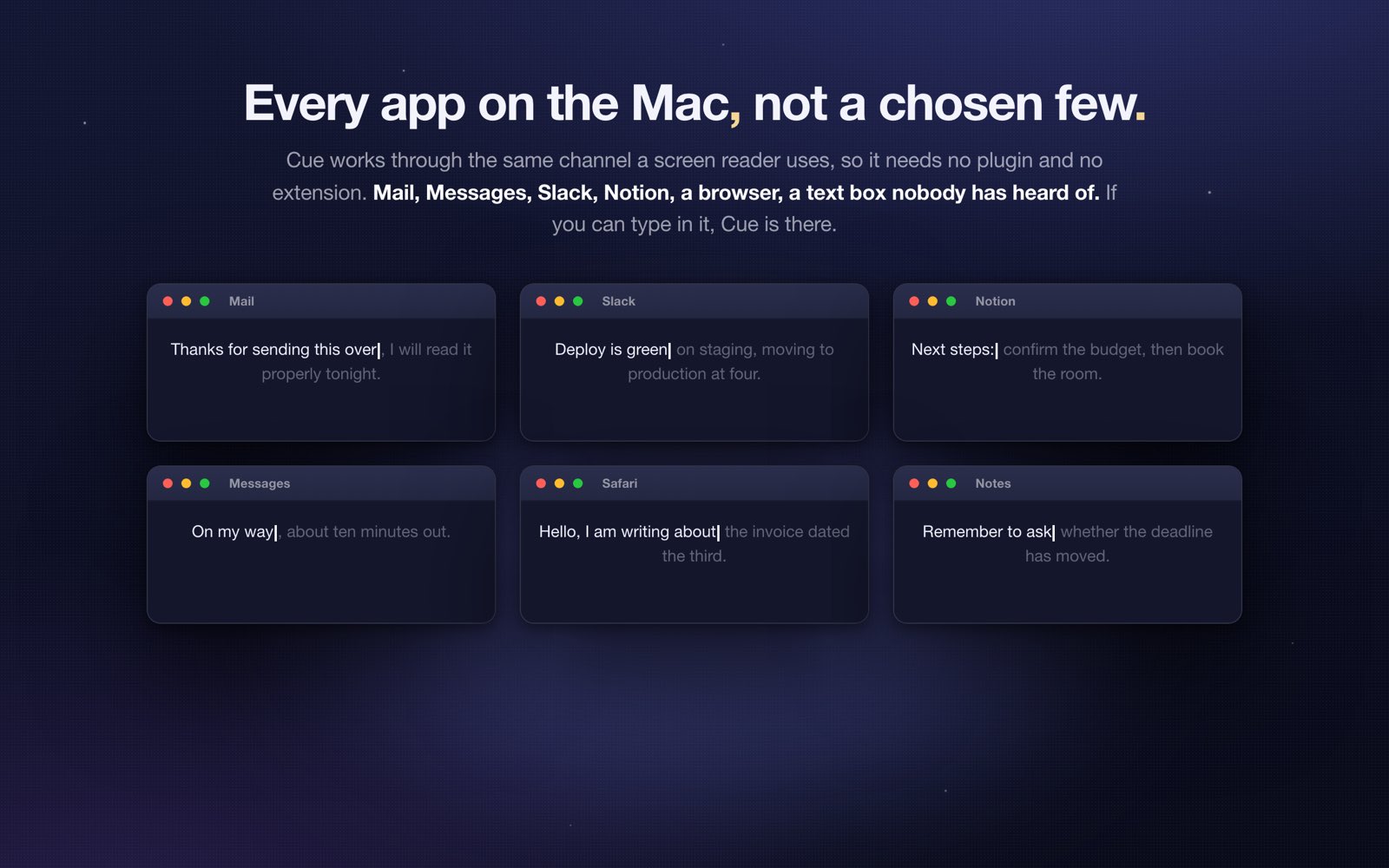
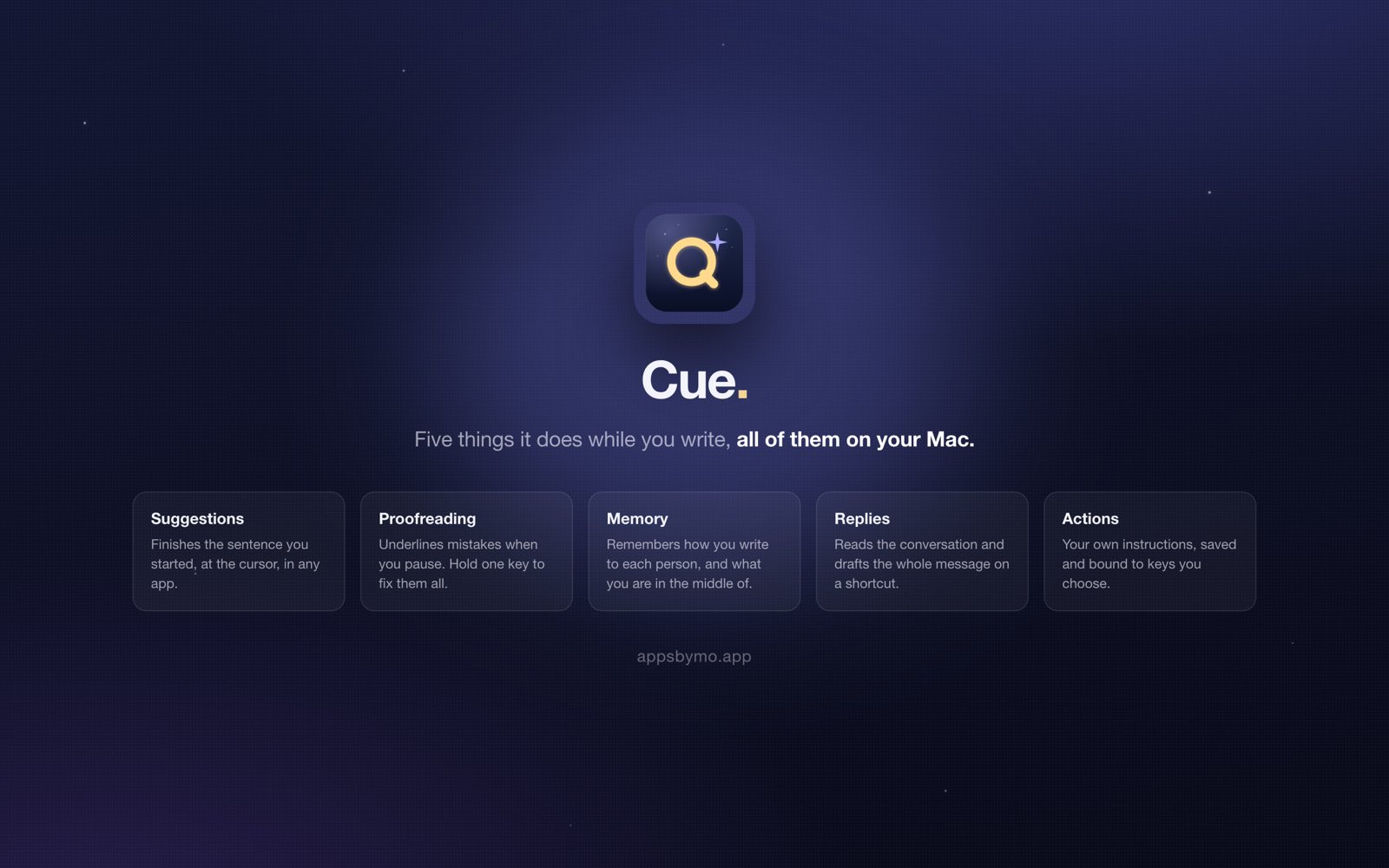
Cue lives in your menu bar and works where you already write: WhatsApp, Messages, Mail, Slack, and any other app with a text field. There are two gestures and no third one to learn. Press one shortcut and a small panel opens next to your cursor with your actions in it, Rephrase, Polish, Formal, Casual, Shorten, Translate, and any action you have written yourself. Press the other and Cue skips the panel entirely, writing straight into the field you are already typing in.
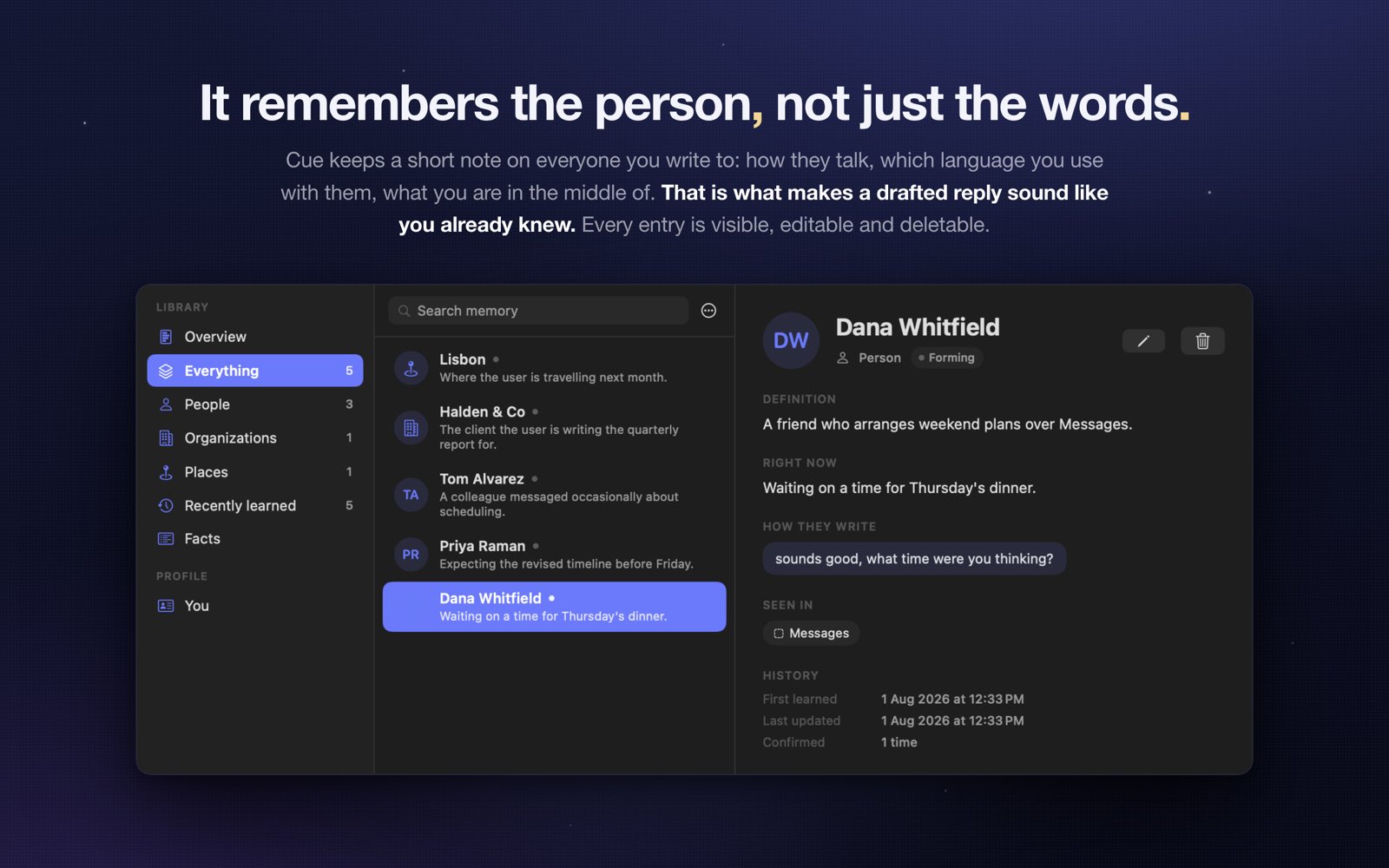
What no other assistant does is remember across conversations. Cue quietly learns the people you talk to, how each of them writes, and the facts of your own week, and then uses all of it everywhere. Promise a friend a movie tomorrow at eight in WhatsApp, and when someone else asks in a different app whether you are free then, Cue already knows to say you are busy and to offer another time. Only your own facts travel between chats. What one person told you stays in their conversation.
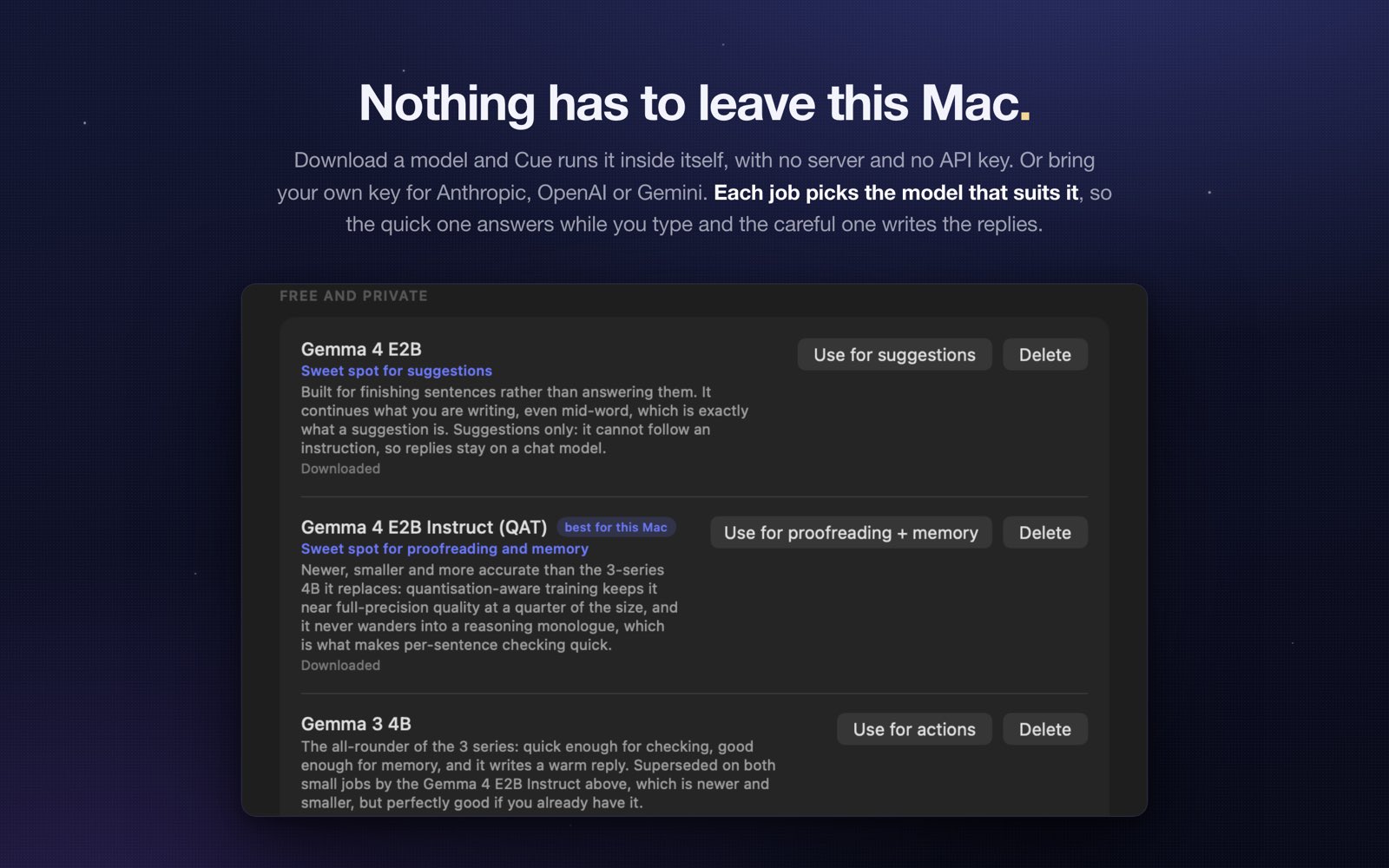
None of that happens behind your back. Every reply shows its receipts: which memories it used, whose voice it matched, and what part of your schedule it read. Generation is visible too, with the edge of the panel lighting up while the words stream in. You bring your own key for Anthropic, OpenAI, or Google Gemini, point Cue at any OpenAI-compatible endpoint, or run it fully local with Ollama. Keys are kept in the macOS Keychain, and the memory itself never leaves your Mac.
Demo
One minute, and you will know whether you want it.
Features
It already knows the context.
-
Two gestures, and that is the whole app
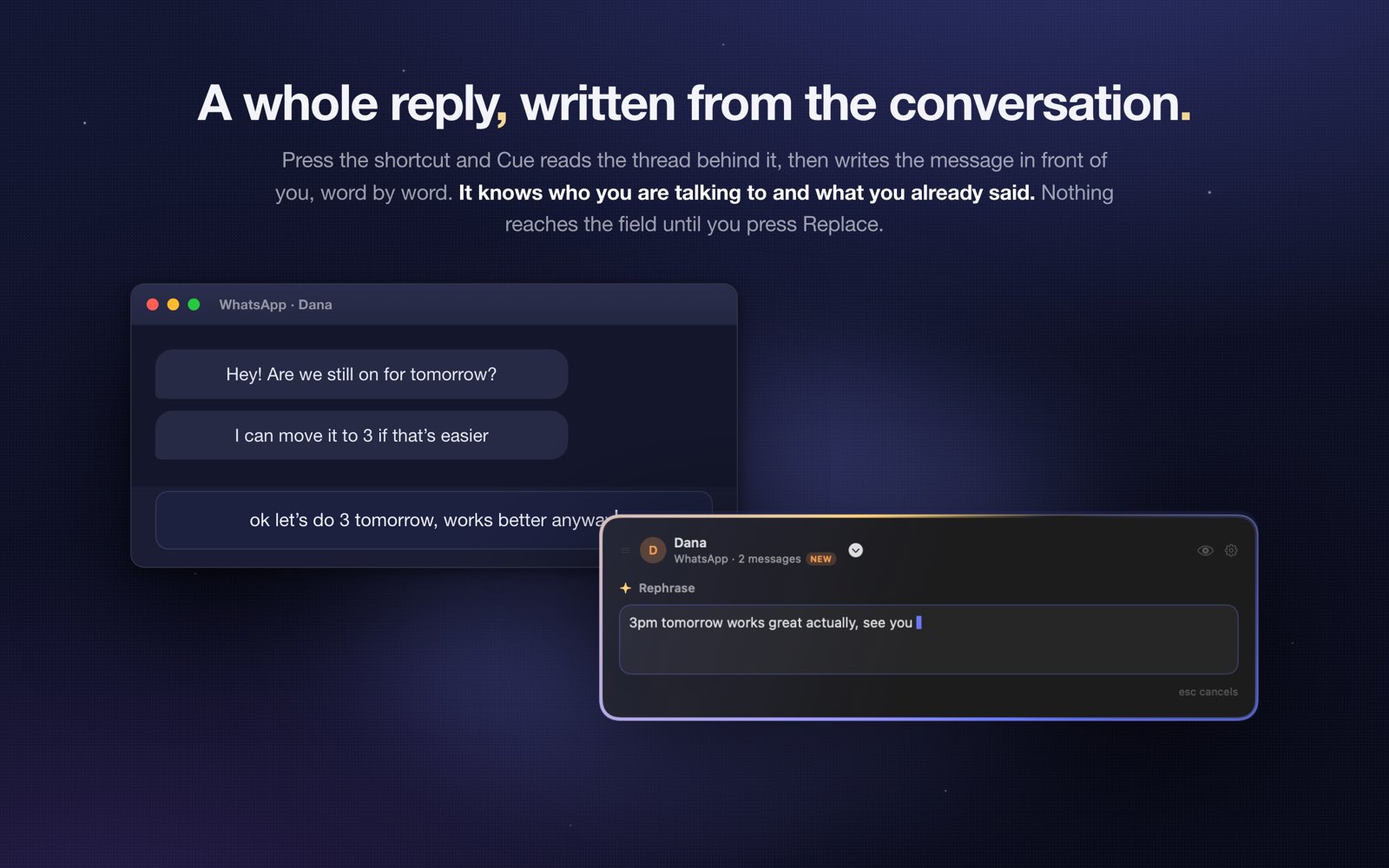
One shortcut opens the panel beside your cursor: press Return for the main action, or a number for any of the rest. The other shortcut opens nothing at all and writes the reply straight into the field you came from. Cue never asks you to leave the conversation you are in, and it never opens a window you have to copy out of.
-
A memory that crosses conversations
Most assistants forget the moment the window closes. Cue keeps a memory of the people you talk to and the facts of your own life, and carries it into every app. Tell one person you have plans tomorrow at eight, and when another person asks about tomorrow evening, the answer already accounts for it. The memory is browsable, editable, and yours to delete a line at a time.
-
Every reply shows its receipts
Under each result Cue lists exactly what went into it: how many messages it read, whose voice it matched, which remembered facts it used, and what it knew about your schedule. An eye icon shows the raw context it pulled from the app. Nothing about the reply is invisible, so you always know why it said what it said.
-
Actions you write yourself
Rephrase, Polish, Formal, Casual, Shorten, and Translate come built in. Add your own beside them, each with its own instruction, its own model, and its own shortcut, so the one you use twenty times a day is a single keystroke away.
-
You can watch it write
Nothing spins in place while you wait. The edge of the panel lights up as the request goes out, and the reply streams in word by word, so you can start reading before it finishes and press Escape the moment you know it is wrong.
-
Bring your own key
Anthropic, OpenAI, Google Gemini, or any OpenAI-compatible endpoint, and Ollama if you would rather run a model on your own machine and stay offline. Keys are stored in the macOS Keychain, requests go straight from your Mac to the provider, and there is no server of mine in the middle.
-
It reads the room
Cue takes the conversation from the app itself, through the Accessibility API: who you are talking to, the recent messages, and your draft. No screenshots and no scraping of the screen. It recognizes WhatsApp, Messages, Mail, and Slack by name, and falls back gracefully in everything else.
-
The memory stays here
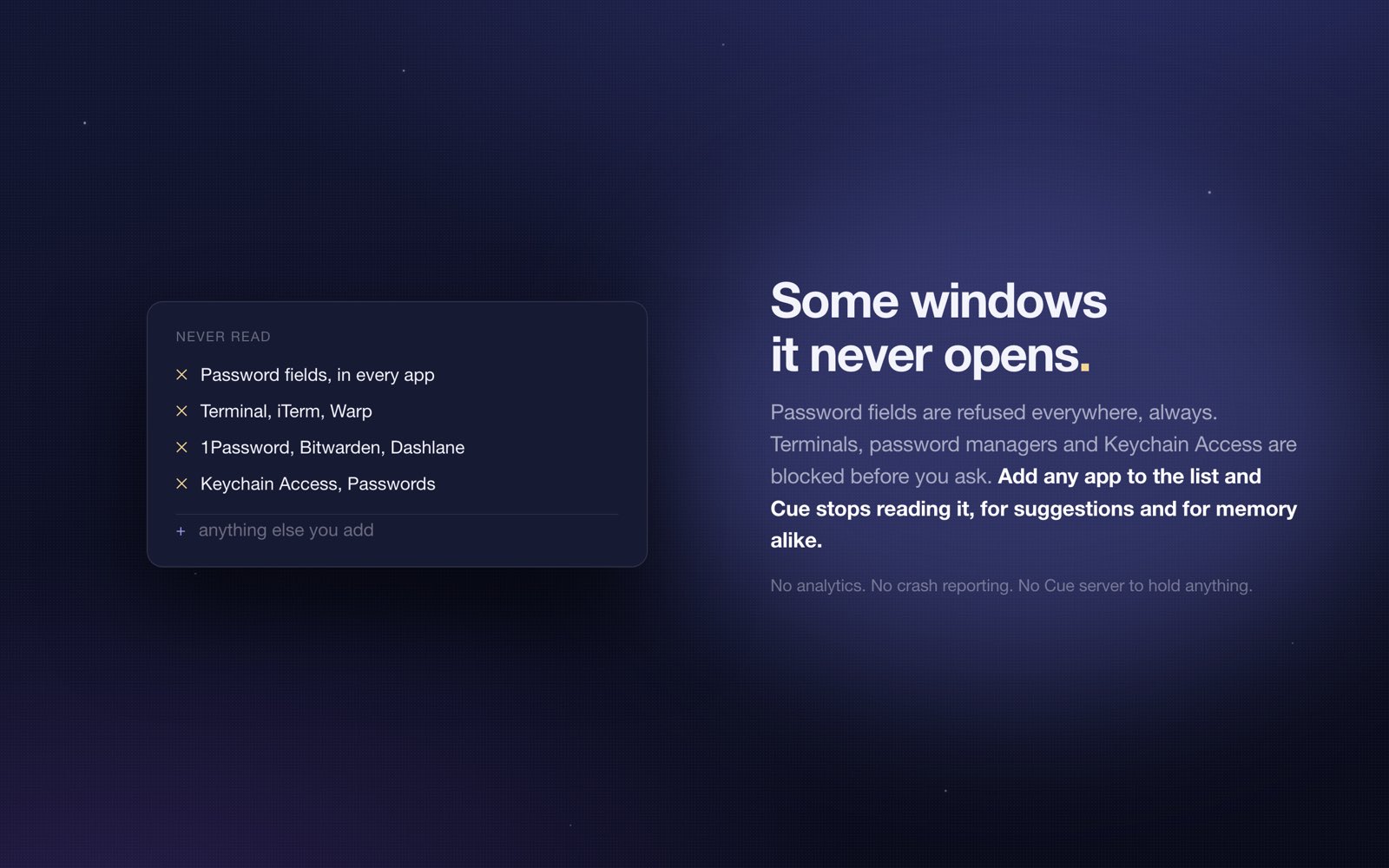
Everything Cue remembers is a file in your own Library, on your own Mac. It is never uploaded, never synced to a service of mine, and never used to train anything. Password fields are refused outright: the panel will not even open over one.
-
Small and native
A menu-bar app of a few megabytes, written for macOS with the platform's own tools. Developer ID signed and notarized, universal for Apple silicon and Intel, and requires macOS 13 or later.
Screenshots
Version history
-
1.3.027 July 2026
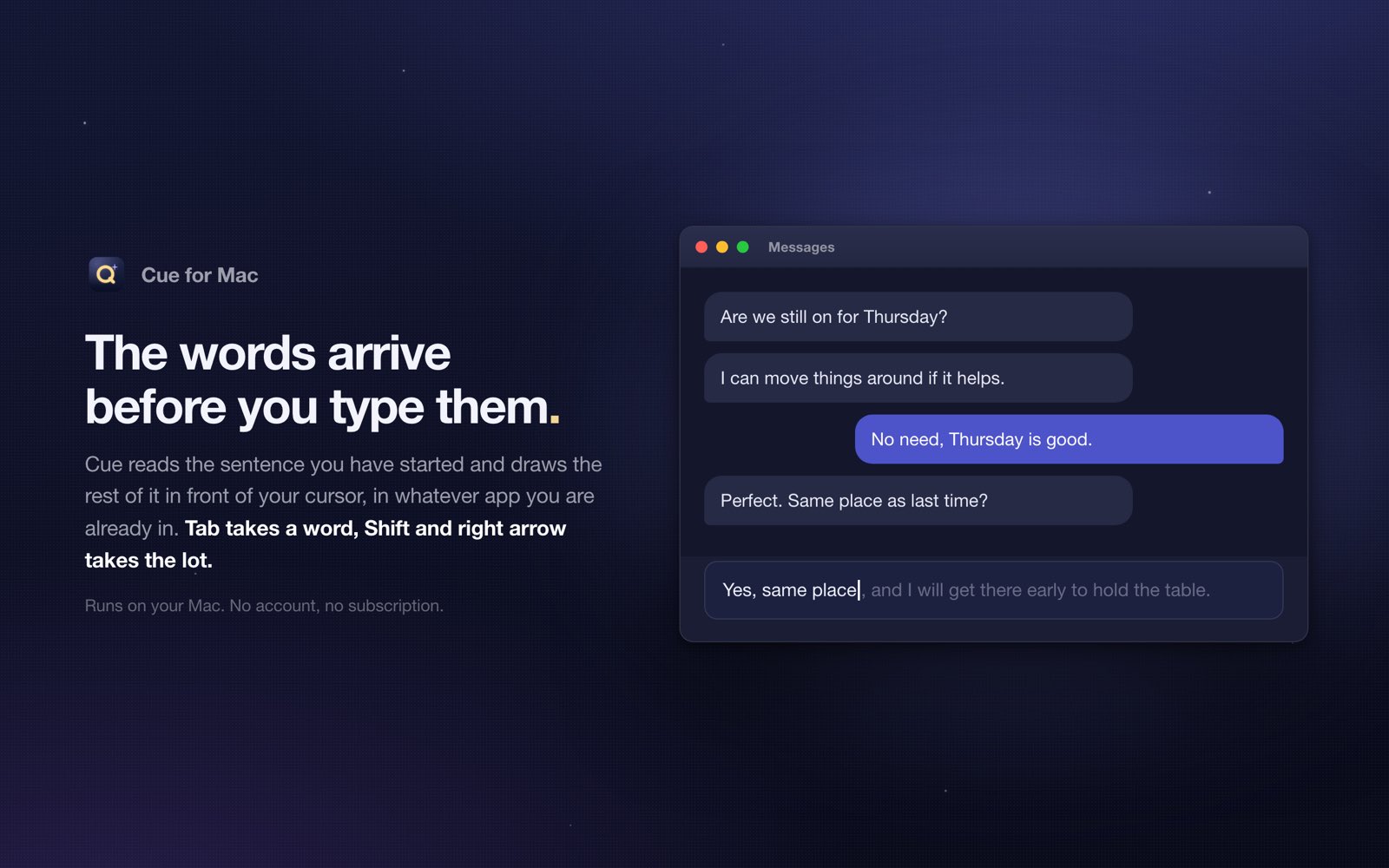
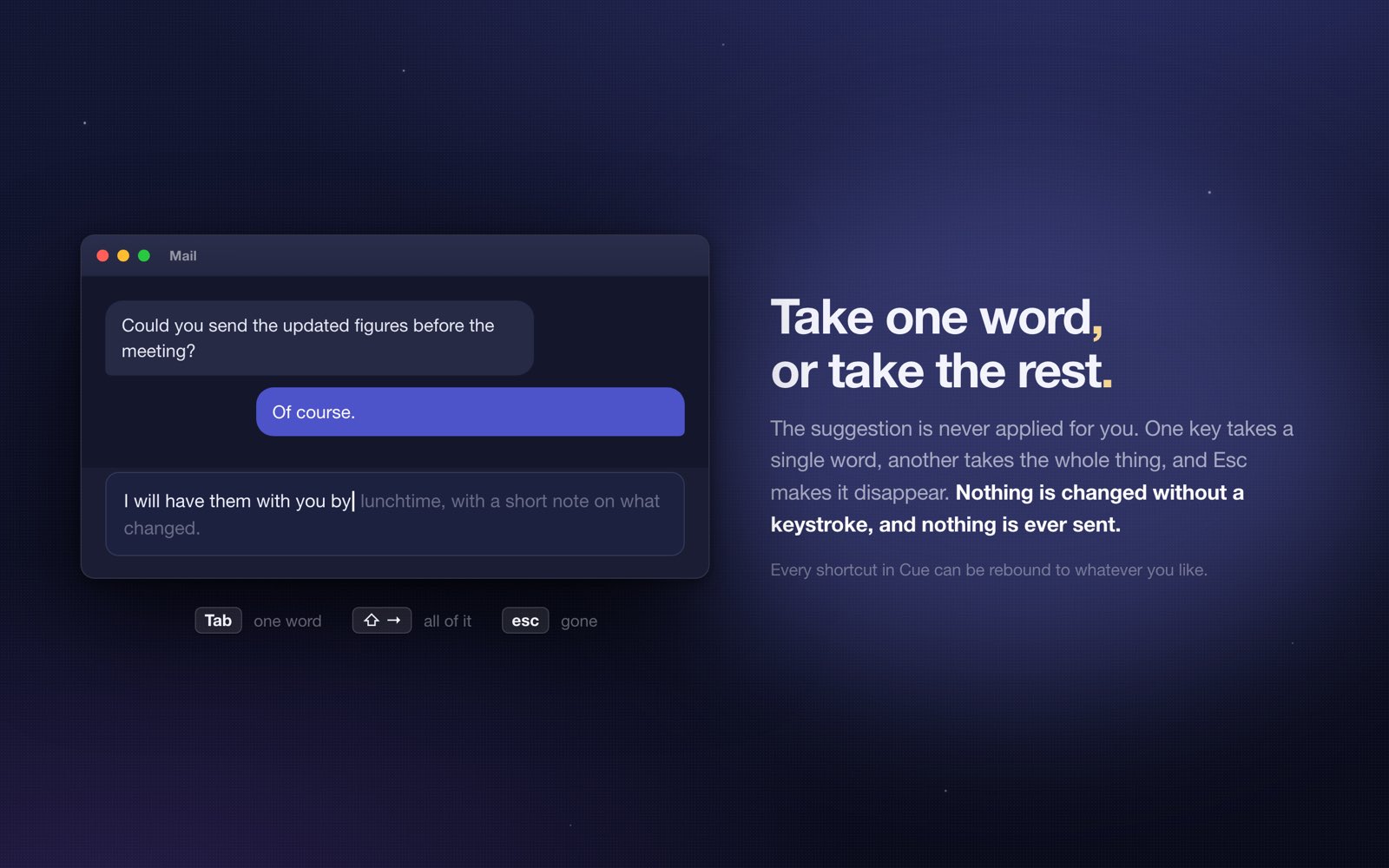
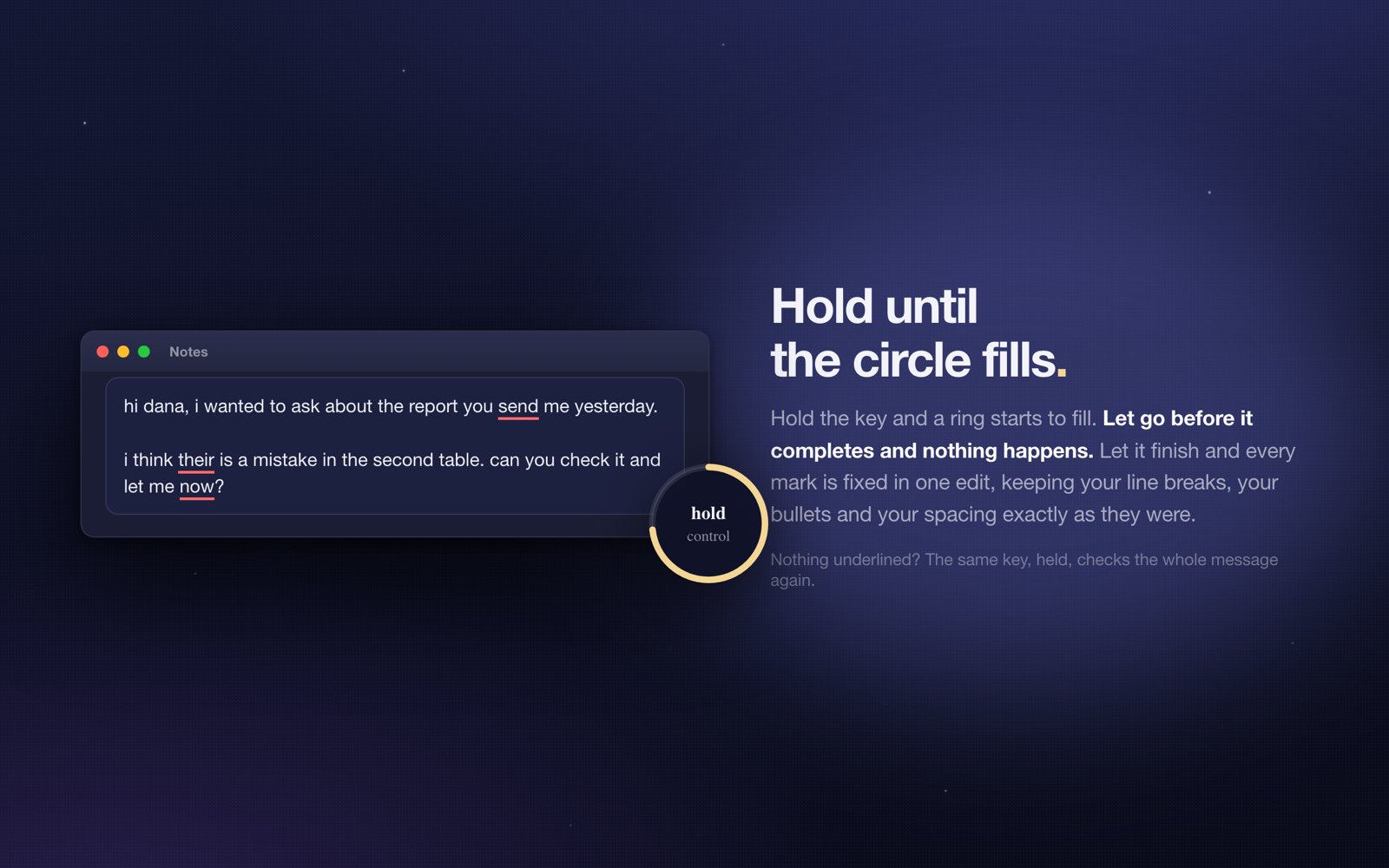
Cue now finishes your sentences. Pause for a moment while typing and the next few words appear where your cursor is; press Tab to take them. Click into an empty message box and a whole reply is already waiting, drafted from the conversation and everything Cue remembers about the person you are writing to. Choose a small card beside the cursor, which works everywhere, or grey text drawn at the cursor in the field's own font. It runs on Apple's on-device model by default, so suggestions are free, instant, and never leave your Mac; Ollama and any bring-your-own-key provider work too, and a cloud model is never used speculatively unless you allow it. Tab is only ever intercepted while a suggestion is actually on screen, and suggestions are off in terminals, code editors and password fields out of the box. A new Context Inspector shows exactly what Cue read from the screen, which memories it chose, and the precise prompt it would send. A local counter tracks how many words you did not have to type: numbers only, never any text. Conversations are now fenced in the prompt and framed as a recording, so a message trying to give the model instructions is treated as something somebody typed rather than as a command. And Cue updates itself from now on, signed and pinned.
-
1.2.026 July 2026
First public release. Cue lives in your menu bar and works inside the apps you already type in: WhatsApp, Messages, Mail, Slack, anywhere there is a text field. One shortcut opens a panel of actions (Rephrase, Polish, Formal, Casual, Shorten, Translate, plus any action you write yourself, each with its own model and its own shortcut). A second shortcut skips the panel entirely and writes straight into the field. Underneath both is a memory that works across conversations: Cue quietly learns the people you talk to and the facts of your own week, then uses them everywhere. Promise someone a movie tomorrow at eight in WhatsApp, and when a different person asks in a different app whether you are free, Cue already knows to say you are busy and to offer another time. Every reply shows its receipts, so you can see which memories, whose voice, and what part of your schedule went into it, and generation is visible: the panel edge lights up and the words stream in live. Bring your own key for Anthropic, OpenAI, or Google Gemini, point it at any OpenAI-compatible endpoint, or run it fully local with Ollama. Keys live in the macOS Keychain and the memory never leaves your Mac. Developer ID signed and notarized, universal for Apple silicon and Intel.
Privacy
The memory is a file on your Mac, and it stays there
To write a reply that fits, Cue reads the conversation in front of you through the Accessibility API, and it remembers what matters in a file in your own Library. That file is never uploaded, never synced to a server of mine, and never used to train anything. There is no account, no analytics, and no tracking. When you run an action, only the small context it needs goes to the AI provider whose key you supplied, directly from your Mac, and you can see exactly what was sent. Choose Ollama and nothing leaves the machine at all. Cue refuses to open over a password field.
Read the full privacy policy →